Media mesh turns a facade into a giant digital surface with a transparent mesh of LED bars. We explain how it works, what to watch for and how it differs from conventional screens.
MMotto Aydınlatma
3 min read
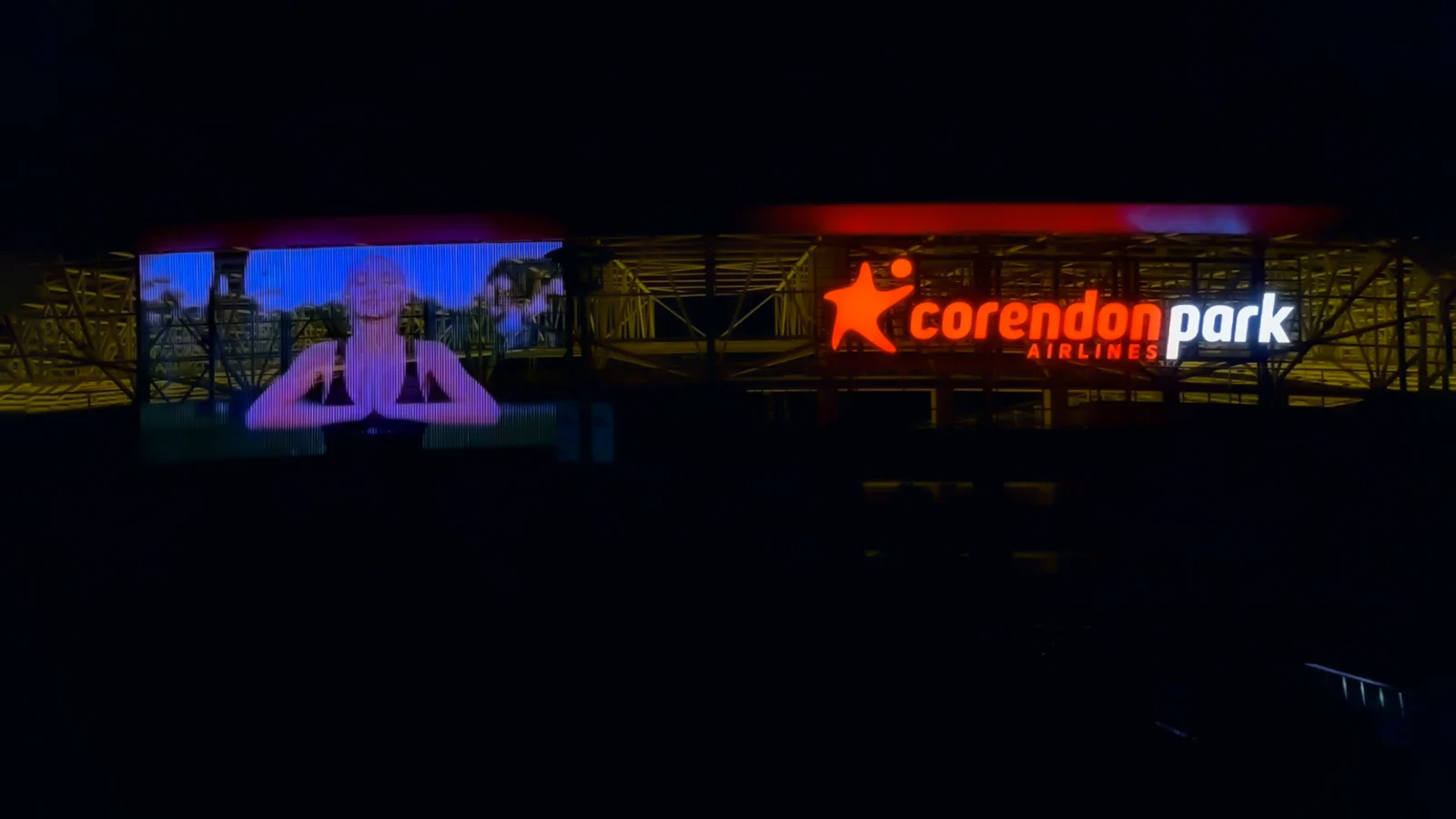
Antalyaspor Stadium · Antalya
If a giant image that reads clearly from afar on the facade of a stadium or tall building turns out, up close, to be made of thin LED bars arranged at intervals, what you are looking at is a media mesh screen. Media mesh creates a digital surface that works as part of the building’s architecture without covering the facade.
What is media mesh?
Media mesh is a screen system formed by bars carrying LEDs arranged at set intervals like a mesh. Each LED group is controlled as a pixel, and the whole surface shows video, animation or text together. Because the gaps between the bars are open, the structure is transparent: daylight comes in and the outside remains visible from inside.
How it differs from a conventional LED screen
Feature
Media mesh
Conventional (closed) LED screen
Appearance
Transparent; the facade and windows remain visible
Closed panel; completely covers what is behind it
Weight and wind
Light; wind passes through
Heavier; large wind surface
Daylight and ventilation
Does not block them
Blocks them
Resolution
For viewing from afar
High, for viewing up close
Suitable scale
Large facades, stadiums, bridges
Smaller surfaces viewed up close
Pixel density and viewing distance
Pixel pitch is the distance between the centers of two pixels. The smaller the pitch, the more detailed the image; but the same area then needs more pixels, more control channels and a higher cost. The larger the pitch, the more transparent the surface becomes.
In media mesh, the pitch is chosen according to the distance from which the screen will be viewed. Wide pitches are enough for a surface viewed from across the street or from a highway, while the pitch is reduced on surfaces viewed more closely.
As the viewer moves away from the screen, the pixels are perceived not as separate dots but as a whole image. To choose the right pitch, where and from what distance the screen will be viewed should be clarified at the start of the project.
Content and control
Media mesh screens are managed by media servers and pixel controllers that convert video content into pixel data. This data, which reaches many universes, is usually carried over the network with Art-Net or sACN; we explain the details in our control signal article.
When preparing content, the screen’s real pixel resolution should be the basis. Very fine details and small text are lost at low resolution; large forms, strong contrasts and slow movements look far more effective.
Design considerations
Support structure: Mounting the bars on the facade, wind load and maintenance access should be addressed together with the structural and architectural design.
Brightness management: Adjusting brightness between dusk and night matters for both visual comfort and energy consumption.
View from inside: In buildings in use, such as offices or hotels, how the screen will affect the view from inside should be evaluated.
Permits: Showing visual content on a facade may require permission from the local authority.
Motto VMesh media mesh systems
In our media mesh screen systems, the number in the product name shows the number of pixels per meter. VMesh P16 offers high transmittance with 16 pixels per meter and a 62.5 mm pixel pitch; VMesh P56 gives the family’s sharpest image with 56 pixels per meter and a pitch of about 17.8 mm. In between, VMesh P32 is a balanced option between resolution and transparency.