Timecode interface

MADRIX USB SMPTE

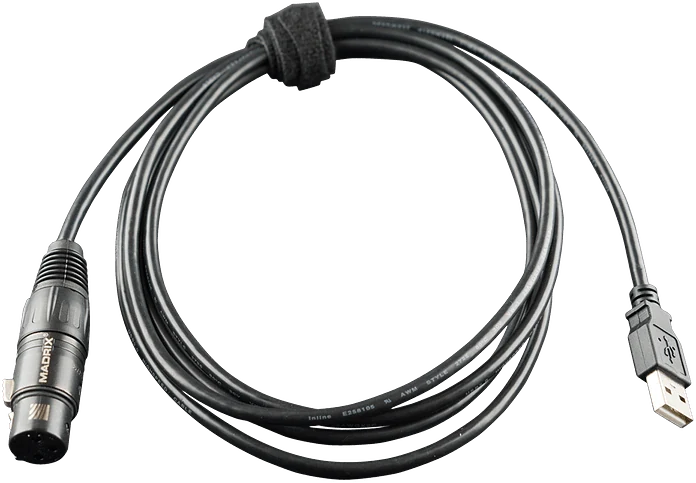
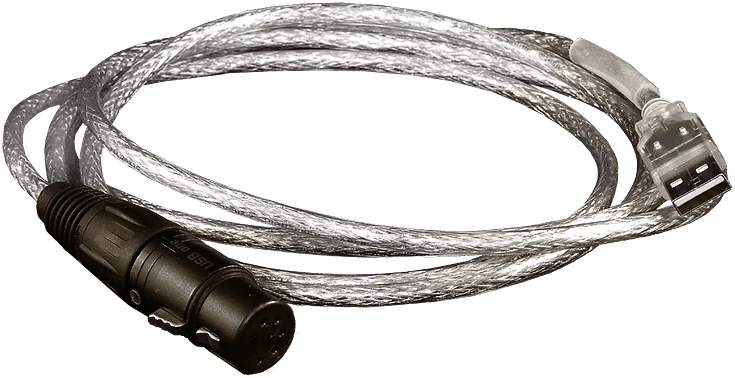
MADRIX USB SMPTE brings the SMPTE timecode generated by audio and video systems into MADRIX 5; the light show plays to the same time as the music, video and other show elements.

  • SMPTE
  • Timecode
  • 3-pin XLR
  • USB 2.0
Authorized dealer and solution partner
MADRIX USB SMPTE timecode interface
-pin NEUTRIK XLR input
3
m USB cable
2
mA consumption
50
years of warranty
5

Highlights

Why USB SMPTE?

  • SMPTE sync

    The light show plays to the same timecode as audio, video and other devices.

  • With the Cue List

    In MADRIX 5, scenes are linked to timecodes; the show advances automatically.

  • Standard connection

    3-pin female NEUTRIK XLR input; USB 2.0, 2-meter cable.

  • Powered from USB

    About 50 mA; no separate adapter needed.

  • Plug and play

    Once the driver is installed, just plug it into the computer.

  • Reliable

    Average failure and return rate 0.00% (MADRIX, August 2025); 5-year warranty.

Comparison

Which one suits you?

The 3 products in the Inputs and interfaces family side by side with the same criteria; the USB SMPTE column is highlighted. If you're undecided, tell us about your project and let's choose the right device together.

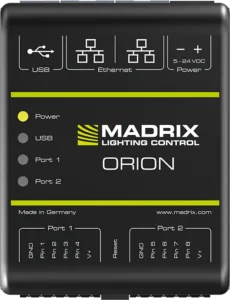
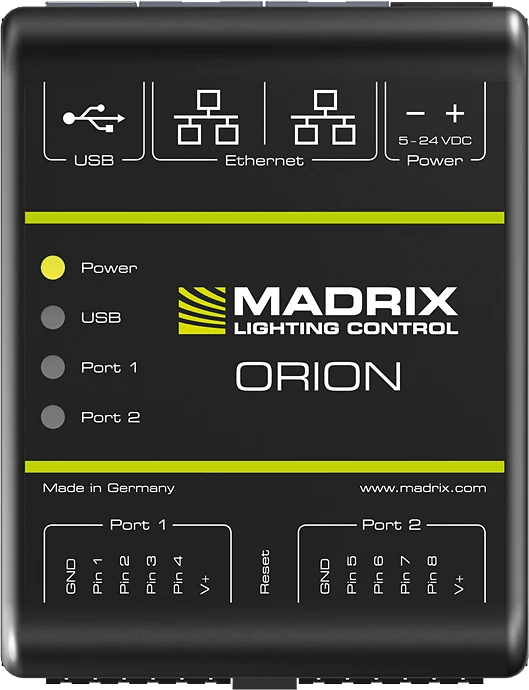
Criterion ORIONAnalog input device USB ONEUSB DMX interface USB SMPTETimecode interfaceThis page
Role Converts sensor and button signals into light control Drives or reads a single DMX512 line from the computer Brings SMPTE timecode into MADRIX 5
Input 8 analog inputs (0–12 V) 1 × DMX512 (instead of output) 1 × SMPTE timecode
Output Art-Net or sACN (8 or 16 channels) 1 × 512 channels DMX512 None (read only)
Connection 2 × 6-pin screw terminal 5-pin NEUTRIK XLR 3-pin NEUTRIK XLR
Computer connection Ethernet or USB 2.0 USB 2.0, 2 m cable USB 2.0, 2 m cable
Power supply 5–24 V DC, USB or via the port From USB From USB
Mounting DIN rail or wall Not required Not required
Use without a computer Yes (over the network, e.g. with MADRIX AURA) None (with MADRIX 5) None (with MADRIX 5)

Technical specifications

All values at a glance.

Connection

Timecode input
SMPTE, 3-pin female NEUTRIK XLR
USB
1 × USB 2.0, type A male connector, 2 m cable; plug and play

Software

Compatible software
MADRIX 5 (Cue List)

Electrical

Power supply
5 V DC, 500 mA, from USB
Consumption
About 50 mA in normal operation

Mechanical

Weight
110 g

Environment

Operating temperature
+10 °C to +50 °C
Storage temperature
−10 °C to +70 °C
Humidity
5–80%, non-condensing
Protection rating
IP20

Documents and warranty

Certifications
CE, EAC, RoHS
Warranty
5-year limited manufacturer warranty
Failure and return rate
Average 0.00% (MADRIX, August 2025)

FAQ

Frequently asked questions about USB SMPTE.

If you can't find the answer to your question, write to our technical team; let's evaluate it together for your project.

What is SMPTE timecode?

It is a time signal carrying hour, minute, second and frame information. Audio and video systems broadcast this signal; light, laser and video devices run to the same time and stay in sync with one another.

Can I use timecode without USB SMPTE?

If the timecode arrives over the network as Art-Net or MIDI, MADRIX 5 receives it without additional hardware. USB SMPTE is used when the SMPTE signal has to be received over an XLR cable.

Does USB SMPTE send lighting data?

No. It only reads the timecode; lighting data to the luminaires goes from MADRIX 5 via network nodes or USB ONE.

Which software does it work with?

It works with MADRIX 5; timecode-linked scenes are set up in MADRIX 5's Cue List.

MADRIX® is a registered trademark of inoage GmbH. Motto Aydınlatma is an authorized MADRIX dealer and solution partner.

Message us on WhatsApp