MADRIX is a control system that maps and manages LED pixels with software. We explain the steps of setting up a MADRIX system, from license selection to pixel calculation and which hardware to use for which job.
MMotto Aydınlatma
4 min read
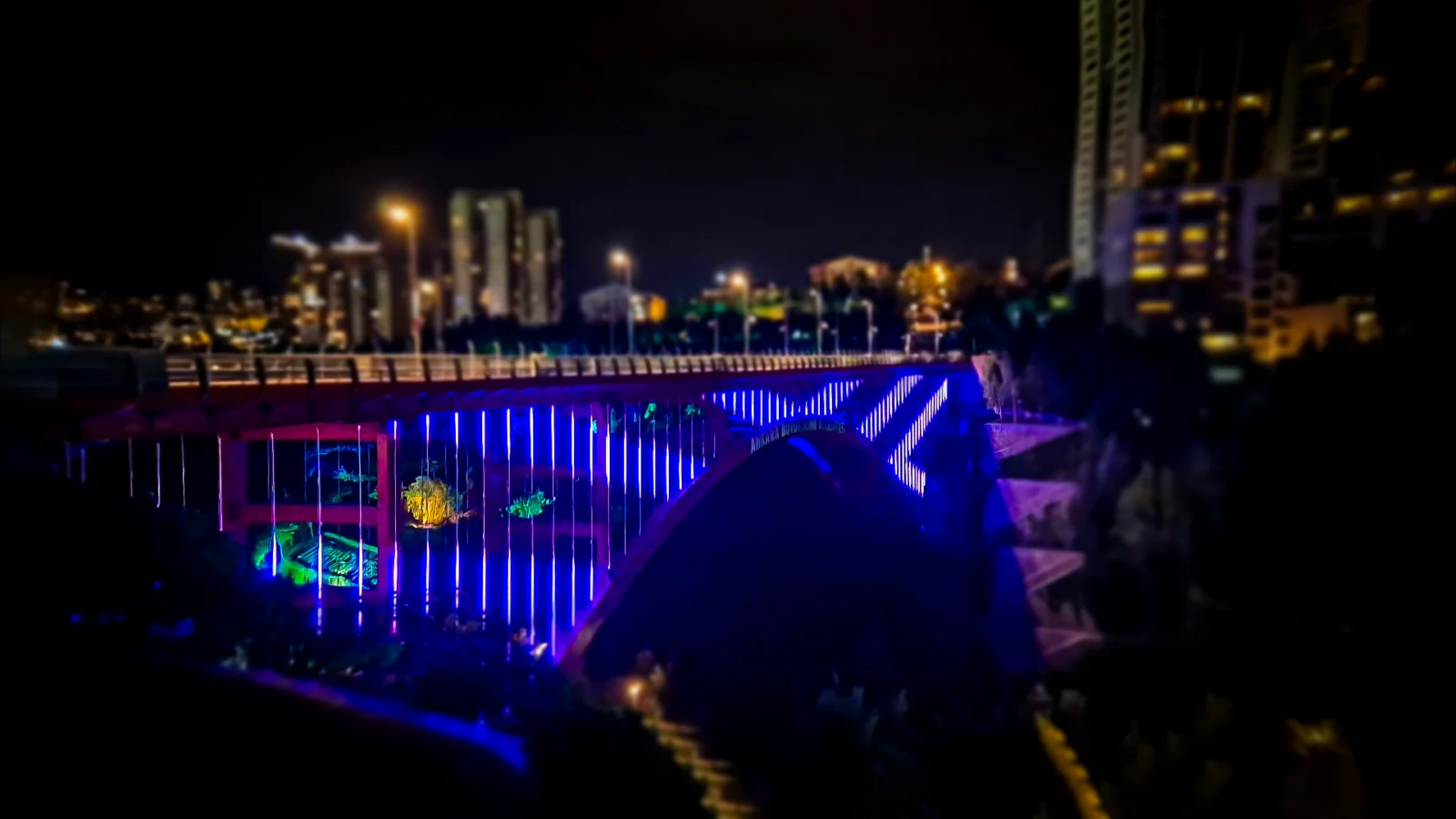
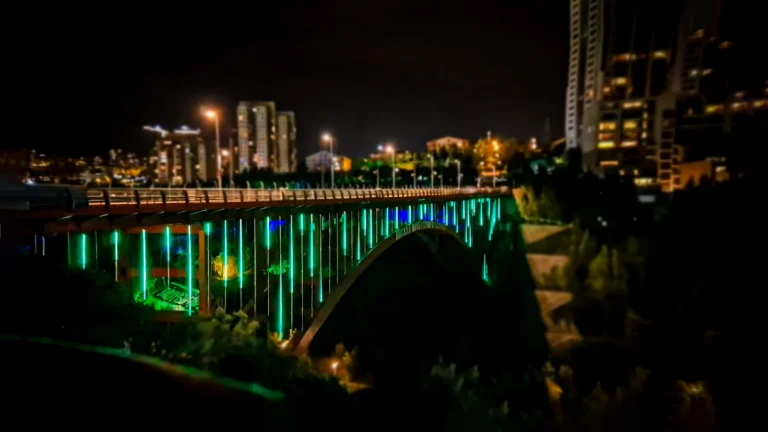
Dikmen Valley Bridge · Ankara
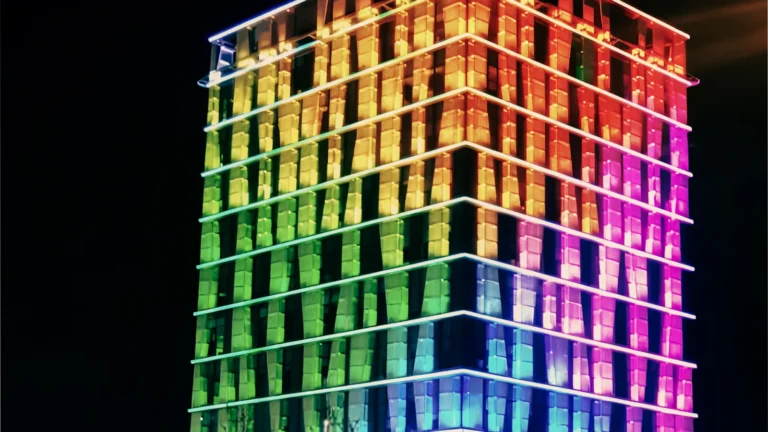
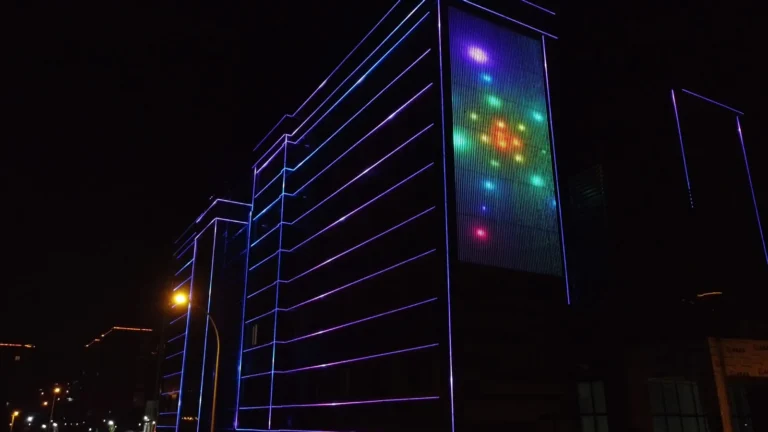
Colors flowing along a bridge railing or light rippling across a facade are created by thousands of LED pixels receiving the right value at the same time. DMX512 and SPI are the languages that carry these values to the luminaire; but a system is also needed that generates those values, builds the scene and plays it on time. That is exactly what MADRIX does.
In this article we explain how MADRIX works, what licenses are chosen by and which hardware is used for which job.
What is MADRIX?
MADRIX is an LED lighting control system developed by inoage GmbH in Dresden, Germany. At its center is the MADRIX 5 software: luminaires are placed on screen pixel by pixel according to their real positions (pixel mapping), effects run on this map and the result is sent to each LED individually. Besides two-dimensional surfaces, the software can also manage three-dimensional LED structures (voxel mapping); it has a ready-made effect generator, a timeline and live audio analysis.
The data generated by the software travels over the Ethernet network to the hardware on site via the Art-Net or sACN protocol. This hardware translates the data into the language the luminaire understands.
What parts make up a MADRIX system?
Link
Role
Example product
Software
Pixel map, effects and scenes
MADRIX 5
License
Number of channels that can be output
MADRIX KEY
Network
Carrying data to the site
Ethernet, Art-Net / sACN
Node
Converting data to SPI or DMX512
NEBULA, STELLA, STELLA 8, LUNA
Player
Operation without a computer
AURA
Input
Sensors, buttons, timecode
ORION, USB SMPTE
Not every project needs every link. A small shop-window installation can run on a single computer and one NEBULA; a bridge or a large facade needs a network, several nodes and computer-free playback.
Choosing a license: how is the channel calculation done?
The MADRIX 5 license is loaded onto a USB key called MADRIX KEY and determines how many DMX channels the software can output. One DMX universe is 512 channels; since an RGB pixel uses 3 channels, 170 RGB pixels fit in one universe.
License
DMX channels
Approx. universes
start
1,024
2
entry
6,144
12
basic
18,432
36
professional
67,584
132
ultimate
264,192
516
maximum
2,101,248
4,104
Let’s look at an example: placing MidiPix P8 luminaires with 8 pixels per meter along a 120-meter bridge railing creates 960 RGB pixels. 960 × 3 = 2,880 channels, or 6 universes. The entry license is enough for this project; the start license covers only 340 pixels.
When choosing the license, take into account not only today’s channel count but also surfaces to be added later. The license can be upgraded online to the next level on request, but choosing correctly from the start protects the budget. For project preparation there is also a “preprogrammer” license that gives no output but removes the limitations of the demo version.
Which hardware when?
Pixel strips and SPI luminaires:MADRIX NEBULA. It drives a total of 2,040 RGB pixels across two ports and recognizes more than 70 LED ICs.
DMX512 luminaires: STELLA is a two-universe node that mounts on a DIN rail. STELLA 8 offers eight ports, RDM and PoE. LUNA, with its 19-inch rack housing and 4, 8 or 16 outputs, is for large panels.
Operation without a computer: AURA plays the show recorded in MADRIX 5 from an SD card; there are 2, 12 and 32-universe versions.
Interaction and sync: ORION connects sensors and buttons to the system with eight analog inputs; USB SMPTE locks the light to audio and video with timecode.
Monitoring: MADRIX RADAR monitors the status of RDM-enabled devices 24/7 and reports problems by email.
An example from the field: Dikmen Valley
On the Dikmen Valley bridge, two different luminaires speak two different languages: the MidiPix P8s drawing the bridge’s lines run on SPI, and the MiniRado wall washers painting its body in color run on DMX512. That is why there are two kinds of nodes on site: MADRIX NEBULA for the pixels and MADRIX STELLA for the wall washers. Since both nodes are connected to the same Ethernet network, the whole bridge is managed like a single scene.
Three practical installation tips
Separate the lighting network. Do not share Art-Net traffic with the office or camera network; use a separate network switch or VLAN. On busy networks, broadcast traffic can cause latency.
Enable synchronization on large surfaces. If several nodes play parts of the same image, ArtSync updates them all at the same time; no shift between parts is seen on long facades.
Plan monitoring from the start. RDM-enabled nodes can send status information back. In systems in hard-to-maintain places, monitoring this information lets you notice a fault before visitors do.
Where to buy MADRIX?
Motto Aydınlatma is an authorized MADRIX dealer and solution partner. You can see all products on our MADRIX page and contact us through the quote form to choose the license and hardware for your project together.